Developer Environment
Starship prompt, tmux, 50+ zsh aliases, web terminal, SSH gateway, Claude Code customization, dotfiles bootstrap.
Overview
A fully portable developer environment that syncs across 5+ machines (home desktop, work laptop, production servers, agent gateway, Mac Mini). The setup is built around a dotfiles repository with a bootstrap installer that can bring a fresh machine from stock Ubuntu or macOS to a fully configured development environment in minutes.
Everything is version-controlled and reproducible. SSH into any machine and get the same prompt, the same aliases, the same tmux keybindings, the same workflow.
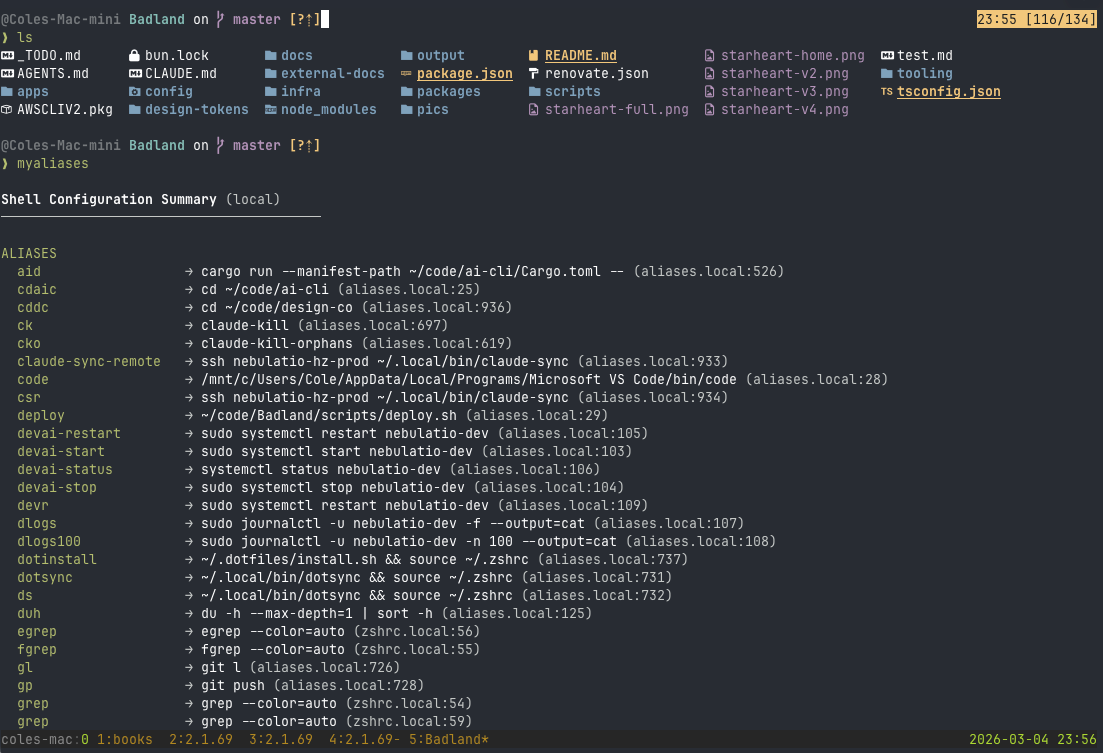
Starship Prompt
Starship provides a fast, cross-shell prompt that works identically in zsh and bash. The configuration displays git branch and status, current directory with smart truncation, active language runtimes (Node.js, Python), command duration for long-running processes, and SSH hostname when connected remotely.
tmux Configuration
Custom tmux configuration with vim-style keybindings, mouse support, and sensible defaults. Key customizations include prefix remapping, pane navigation with hjkl keys, automatic session restore, and status bar showing hostname, session name, and clock.
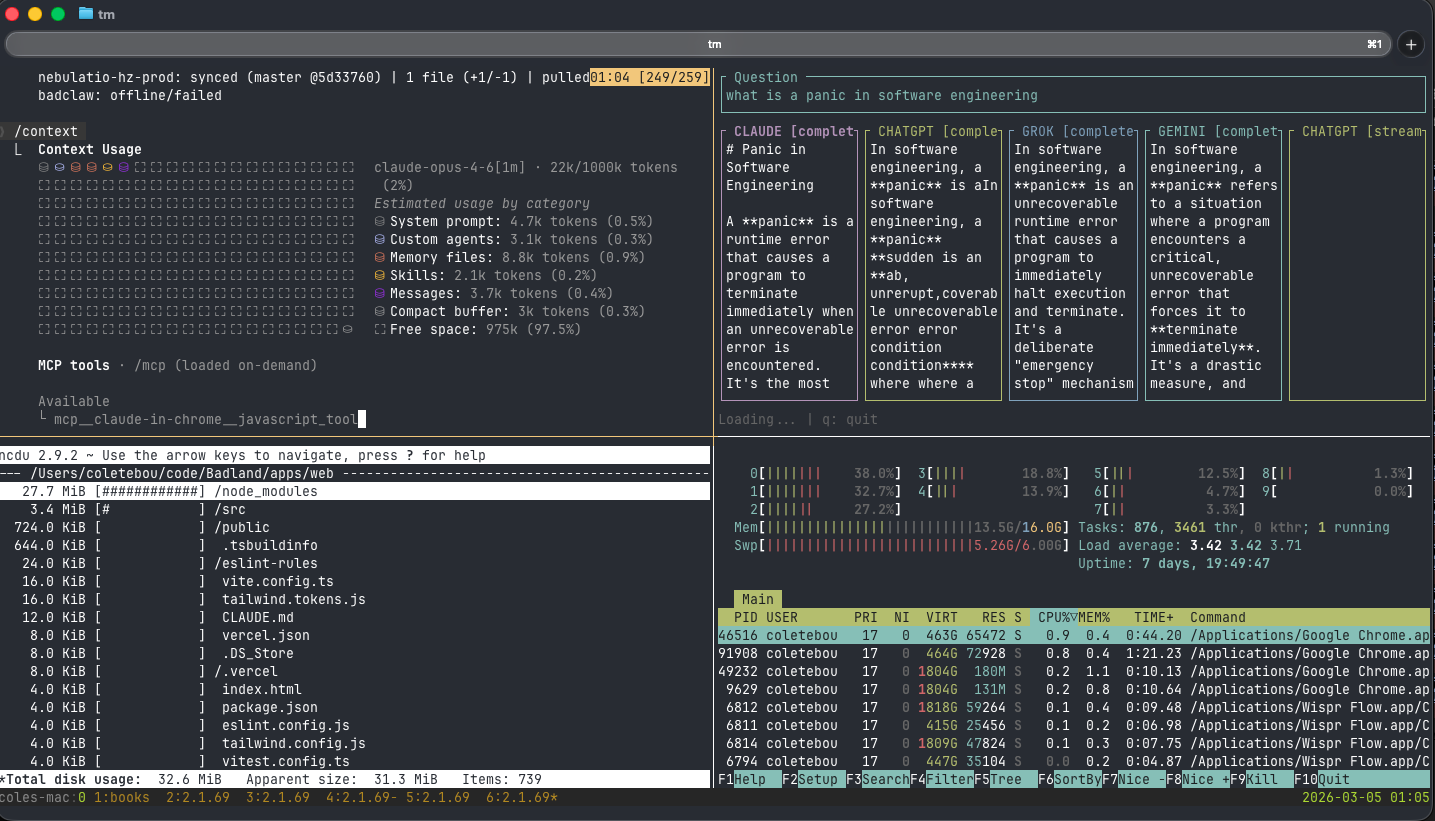
Zsh Aliases & Functions
Over 50 custom aliases and functions for common development tasks:
- Git shortcuts:
gs(status),gd(diff),gl(log --oneline),gp(push),gco(switch) - Navigation:
c(cd ~/code),dots(cd ~/.dotfiles), project-specific shortcuts - Docker:
dps(docker ps),dlog(docker logs -f),dexec(docker exec -it) - System:
ports(list listening ports),myip(public IP),weather(terminal weather) - Safety:
rmrf(move to trash instead of permanent delete)
Sync Scripts
Custom scripts keep everything synchronized across machines:
- dotsync: Commits, pulls, and pushes the dotfiles repo. Handles merge conflicts gracefully and sources the updated zshrc automatically.
- codesync: Syncs all repositories in ~/code and ~/Life (Obsidian vault) with WIP commit support — uncommitted changes are stashed, synced, and restored.
- dotinstall: Runs the bootstrap installer and re-sources zshrc. Used after pulling dotfiles changes on a machine.
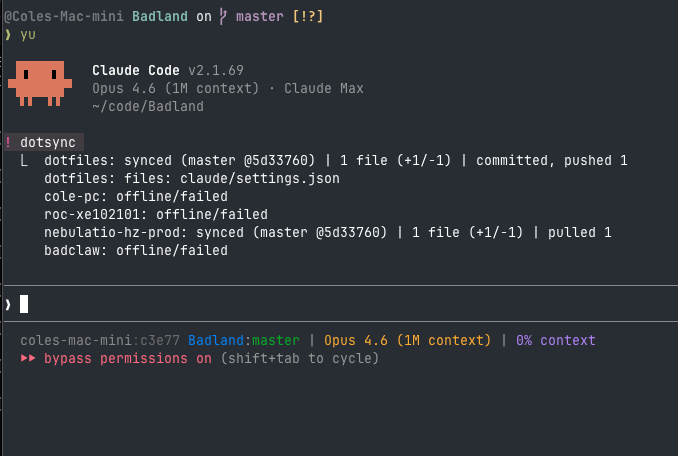
Web Terminal
A full terminal emulator running in the browser at terminal.badland.ai. Uses xterm.js for rendering with full ANSI color support, and node-pty on the backend to spawn real shell processes connected via WebSocket. Works on mobile with touch-friendly on-screen keyboard — full shell access from any device, no SSH client needed.
- Full ANSI color and Unicode support
- Terminal resize handling (adapts to browser/device size)
- Clipboard copy/paste, scrollback with search
- Mobile-friendly touch input with on-screen keyboard
- Persistent sessions (reconnect to existing shell)
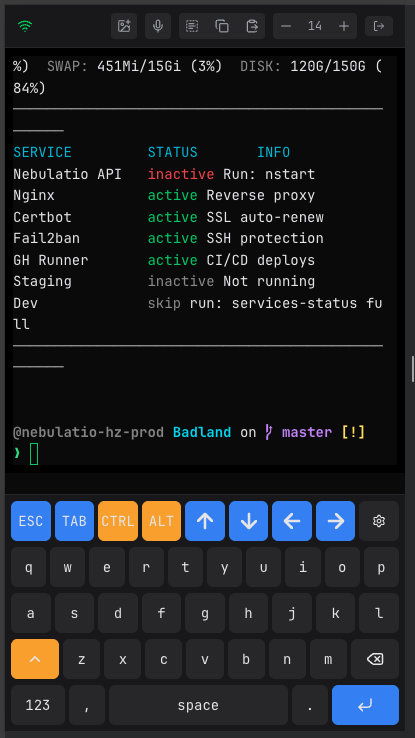
SSH Gateway
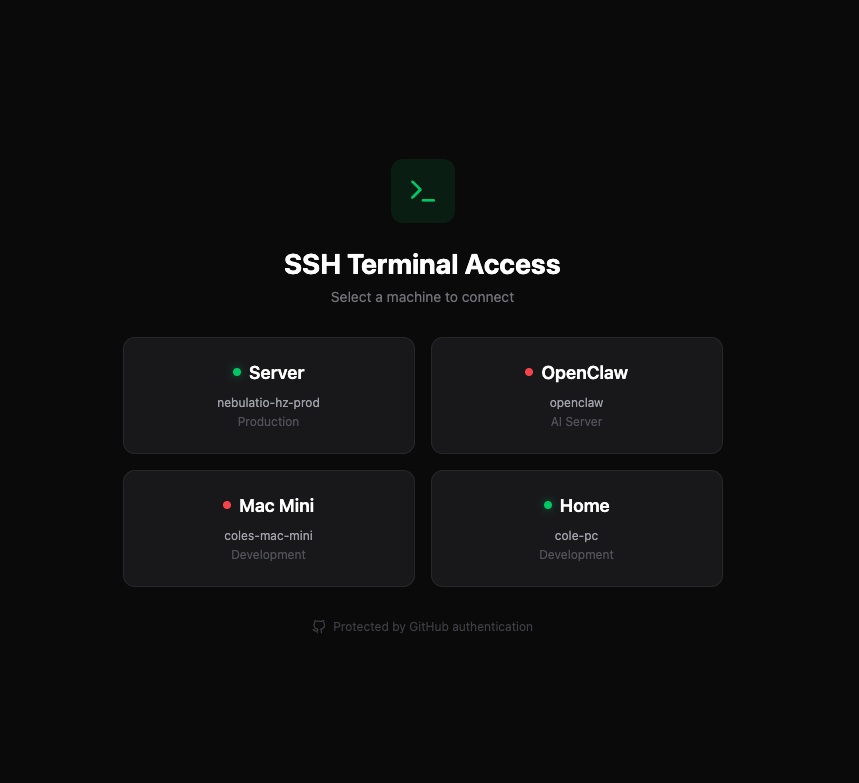
SSH.BADLAND.AI provides web-based SSH access to any machine in the Tailscale mesh without installing an SSH client. Pre-configured host aliases for quick connections to production, home dev, agent gateway, and Mac Mini. All traffic encrypted end-to-end through Tailscale's WireGuard tunnels.
Custom MOTDs
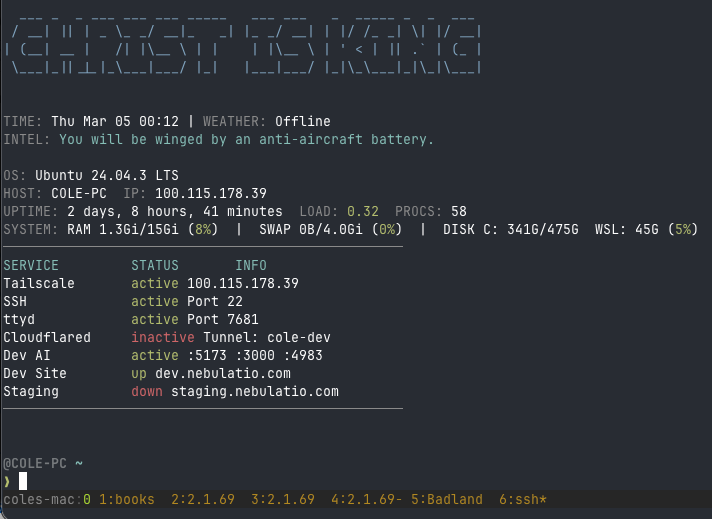
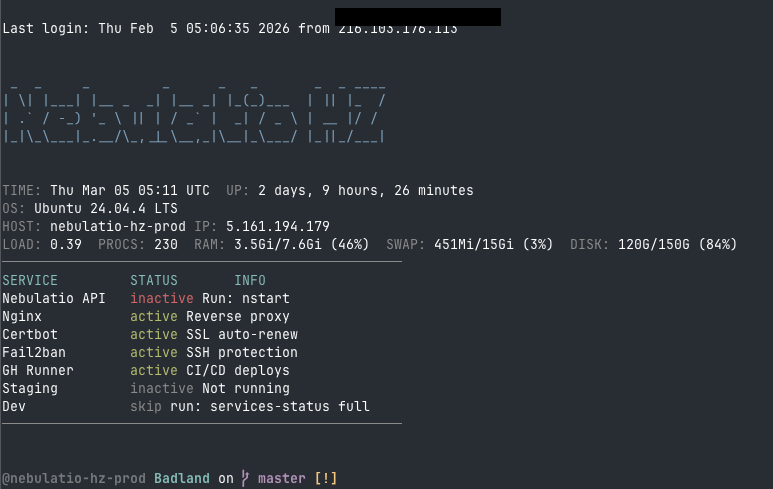
Each server displays a custom Message of the Day on SSH login, showing hostname, uptime, resource usage, running services, and Tailscale connectivity status. MOTDs are machine-specific and maintained in the dotfiles repo.
Claude Code Customization
Heavily customized Claude Code setup with 260+ granular permissions covering git operations, SSH access to all machines, GitHub CLI workflows, infrastructure tools, and database commands. Custom statusline displaying machine nickname, git branch, active model, context usage, and session ID for multi-machine tracking.
Custom plugins published to a personal marketplace:
- Workflow plugin: Commands for reviewing uncommitted changes (
/rch), reviewing recent commits (/rco), and continuous review loops (/rrch,/rrco) that keep running until the codebase is clean. - Core plugin: Agents for MongoDB exploration, deployment verification, infrastructure health checks, release management, and security scanning.
Bootstrap Installer
The install.sh script in the dotfiles repo handles first-time setup
on a new machine. It detects the OS (Ubuntu/macOS), installs required packages
(zsh, tmux, Starship, fd, ripgrep, jq, bun), creates symlinks from the dotfiles
repo to their expected locations, and configures shell defaults.