Badland AI Chat
Full-stack AI chat platform with multi-model support, voice, image generation, and council mode.
Overview
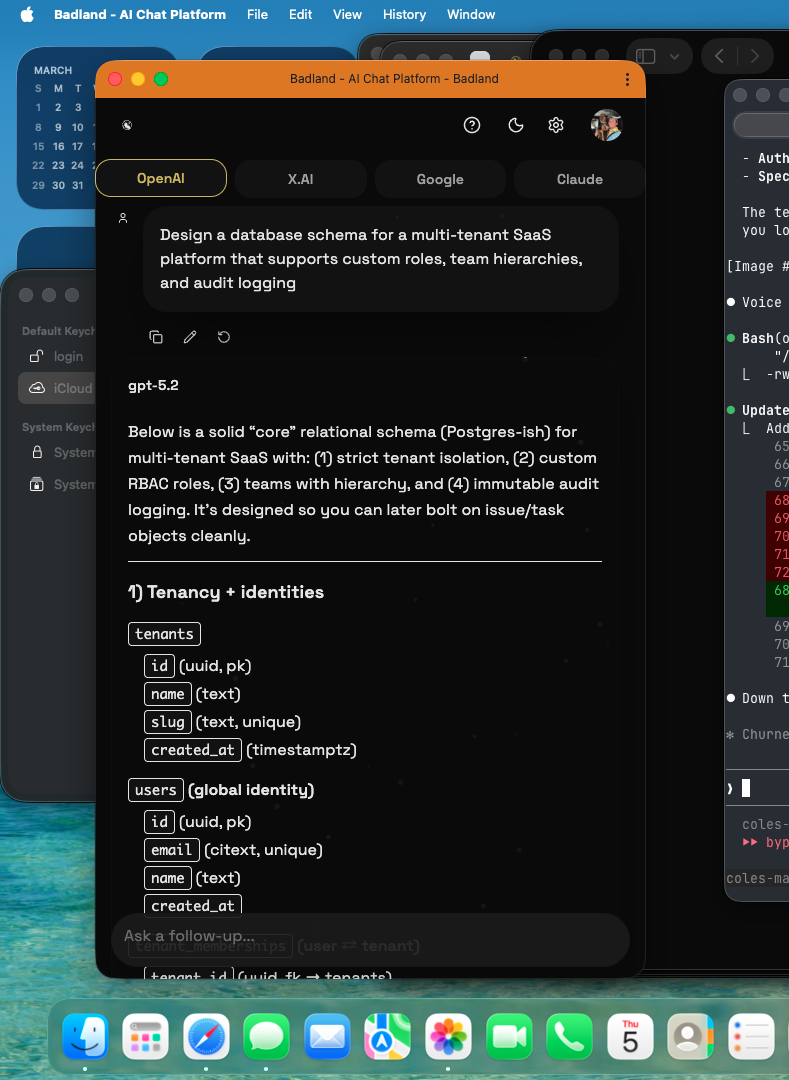
Badland AI Chat is a production AI chat platform that supports multiple LLM providers (Anthropic Claude, OpenAI GPT, Google Gemini, xAI Grok) with real-time streaming, voice interaction, image generation, and a unique "council mode" that queries multiple models simultaneously for consensus answers.
Architecture
The frontend is a React 19 SPA built with Vite and served via Vercel. The backend is an Express 5 API server using tRPC for type-safe client-server communication, deployed to Hetzner via GitHub Actions CI/CD. MongoDB Atlas handles persistence.
- Frontend: React 19, Vite, TypeScript, Tailwind CSS v4, Radix UI primitives, Motion (animations)
- Backend: Express 5, tRPC, TypeScript, Bun runtime
- Database: MongoDB with Mongoose ODM, hosted on MongoDB Atlas
- AI Integration: Vercel AI SDK with Anthropic, OpenAI, Google, and xAI providers
- Auth: JWT + HTTP-only cookies, OAuth support via Arctic
- Deployment: Vercel (frontend) + Hetzner (API) + GitHub Actions (CI/CD)
Key Features
Multi-Model Chat
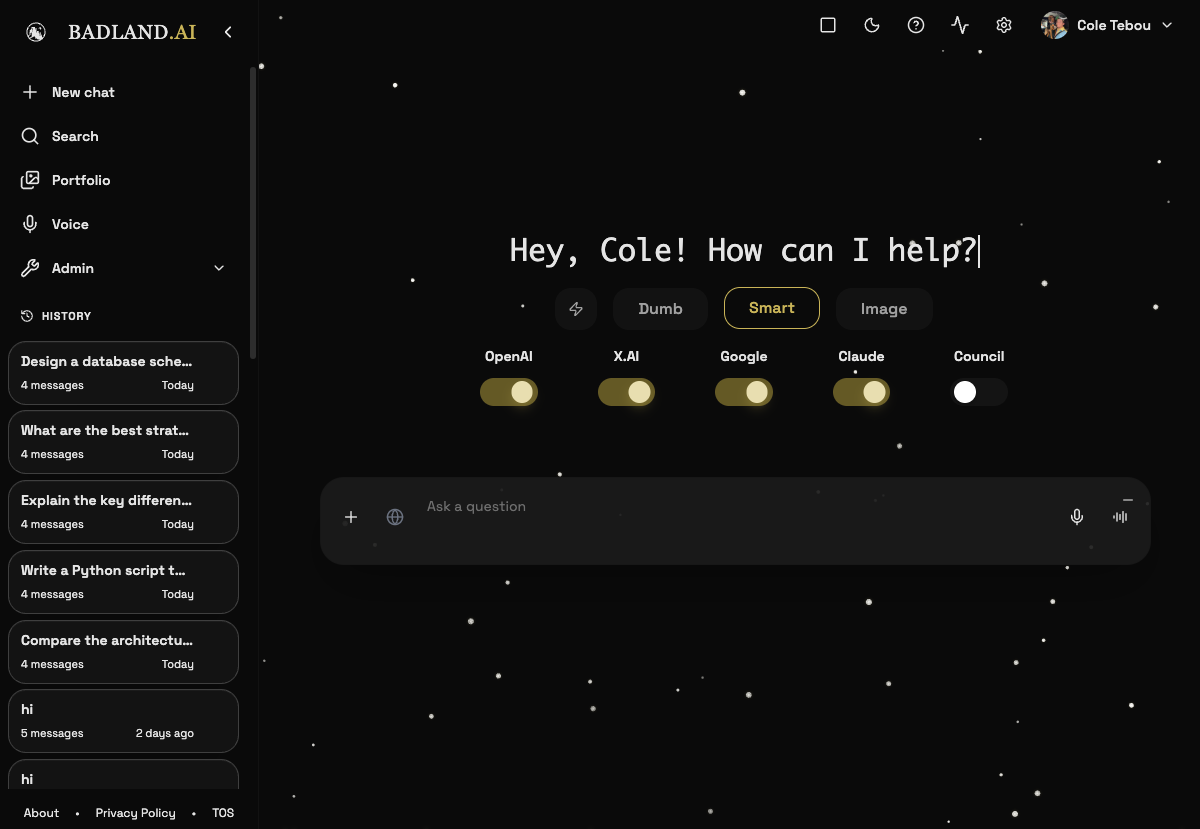
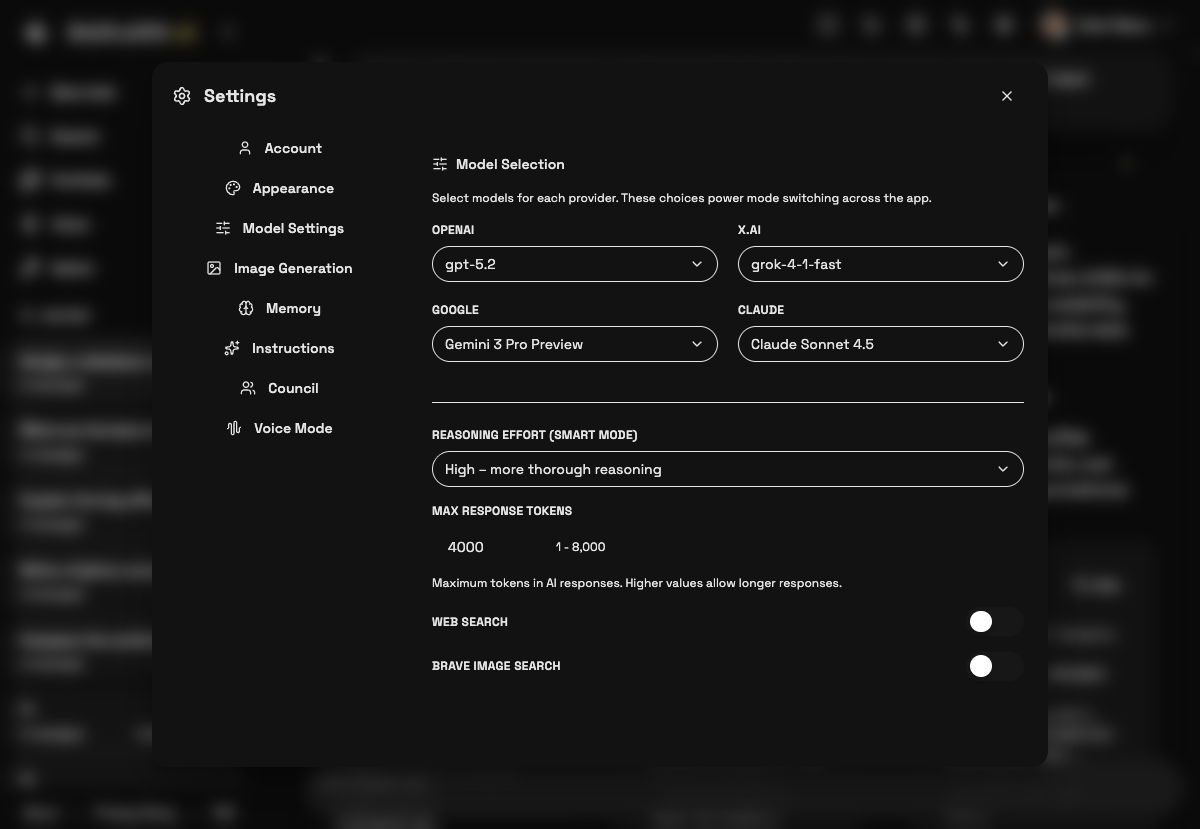
Switch between Claude, GPT-4, Gemini, and Grok mid-conversation. Each model's response streams in real-time via Server-Sent Events. The model selector shows available providers with their latest models, and conversations preserve the model used for each message so you can trace which AI generated what.
Council Mode
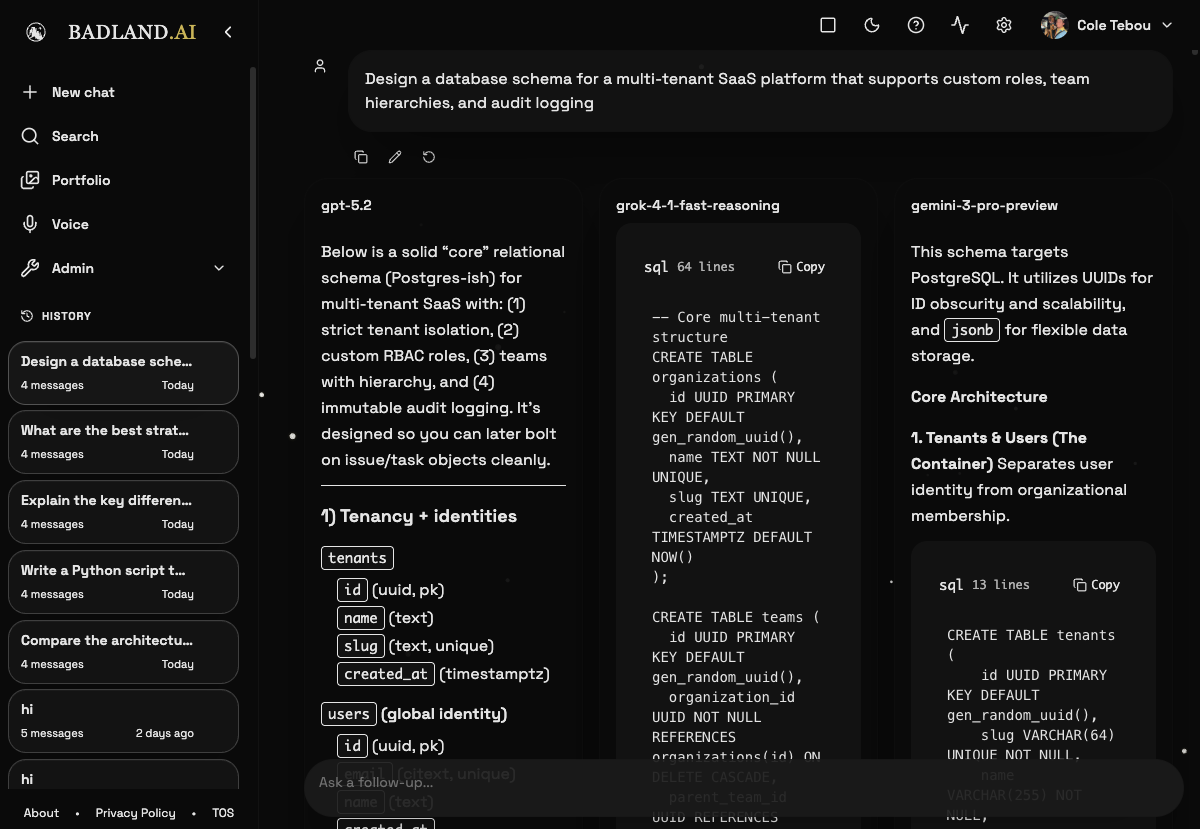
Query multiple models simultaneously and compare responses side-by-side. Models can "vote" on the best answer. Useful for complex questions where consensus improves reliability. Each model responds independently, and the interface displays all responses in a comparative layout with token counts and latency metrics.
Voice Mode
Real-time voice interaction with AI models. Push-to-talk or continuous listening with automatic speech-to-text transcription. The voice interface includes a waveform visualizer and supports hands-free conversation flow.
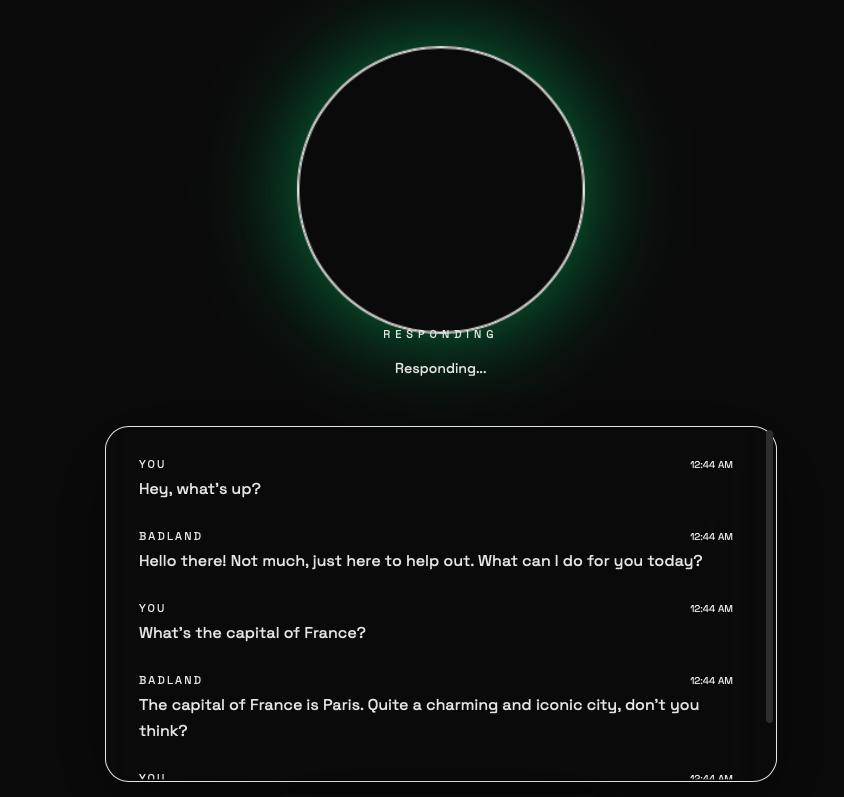
Image Generation
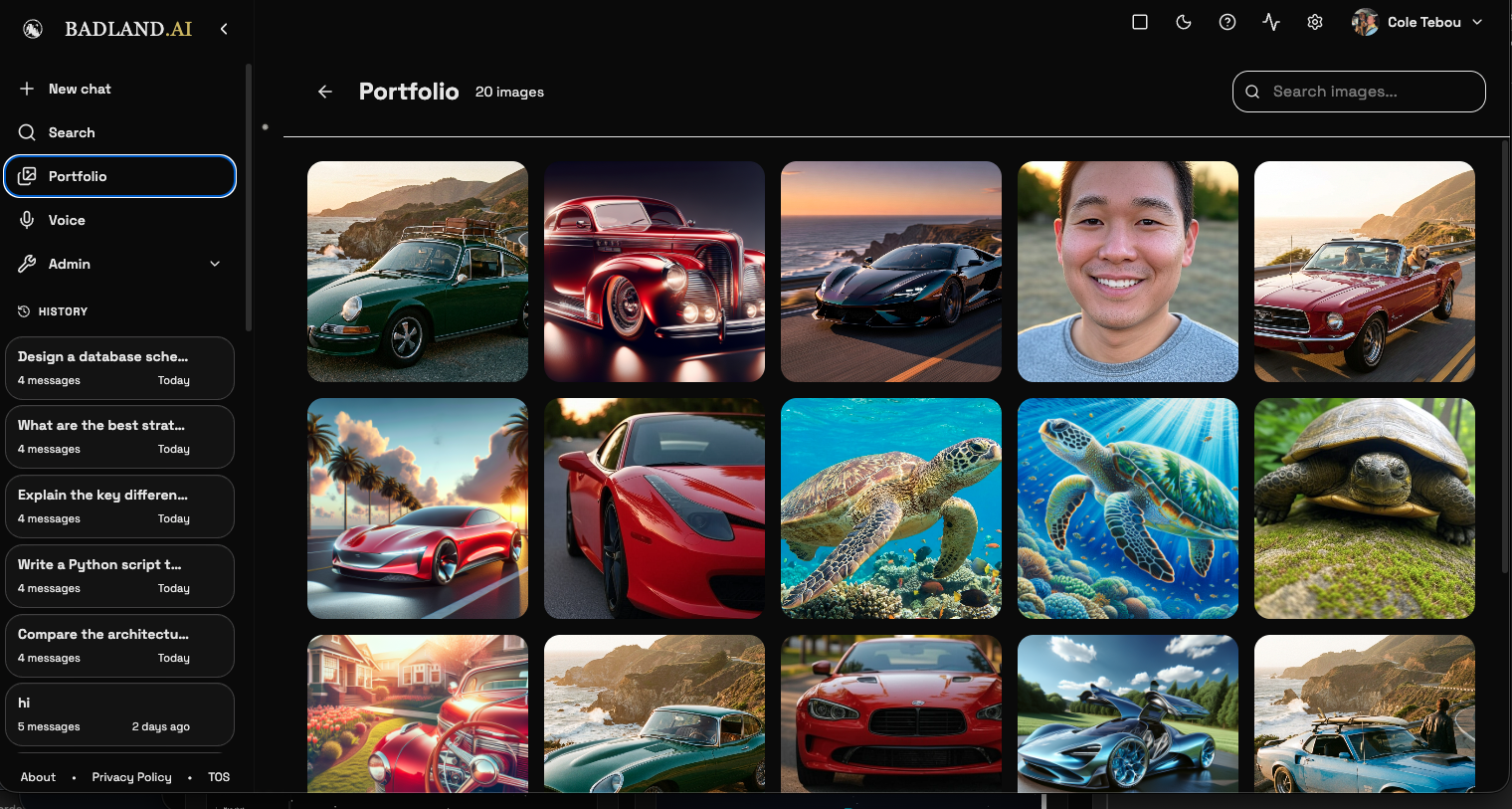
Generate images using AI models directly in the chat interface. Supports DALL-E and other image generation providers. Generated images appear inline in the conversation with a gallery view for browsing and managing all generated images across conversations.
Component Library
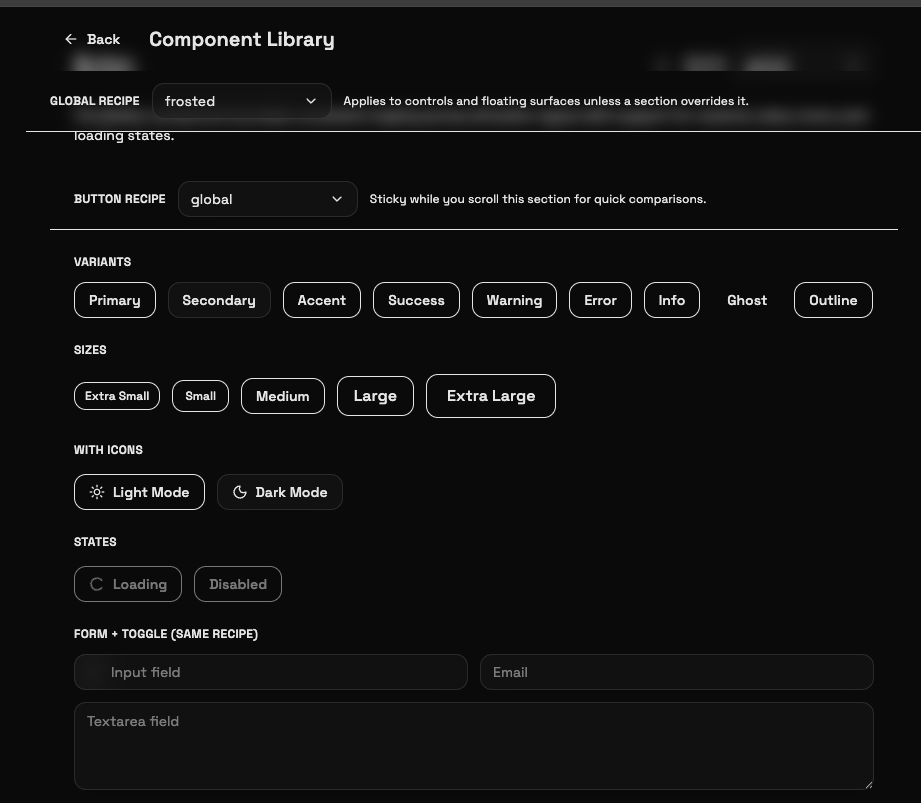
A custom component library with recipe-based theming — button variants, sizes, icon support, loading/disabled states, form inputs, and toggles. Global recipes cascade to all controls unless overridden per-section.
Notes
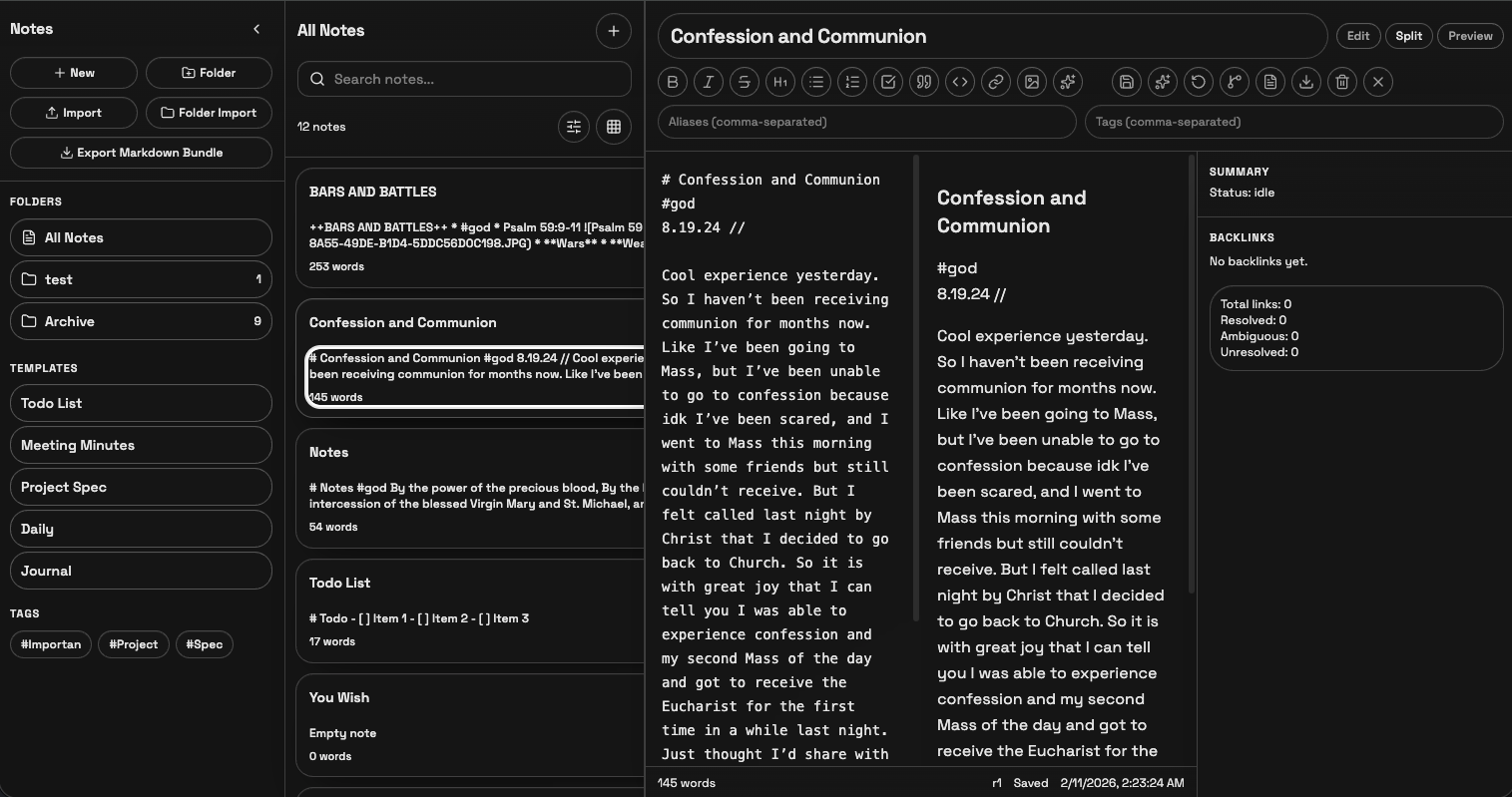
A built-in notes app (admin-only for now) with folders, tags, templates, markdown editing with split/preview modes, backlink tracking, and word counts. Notes are searchable and exportable as markdown bundles.
Todo Lists
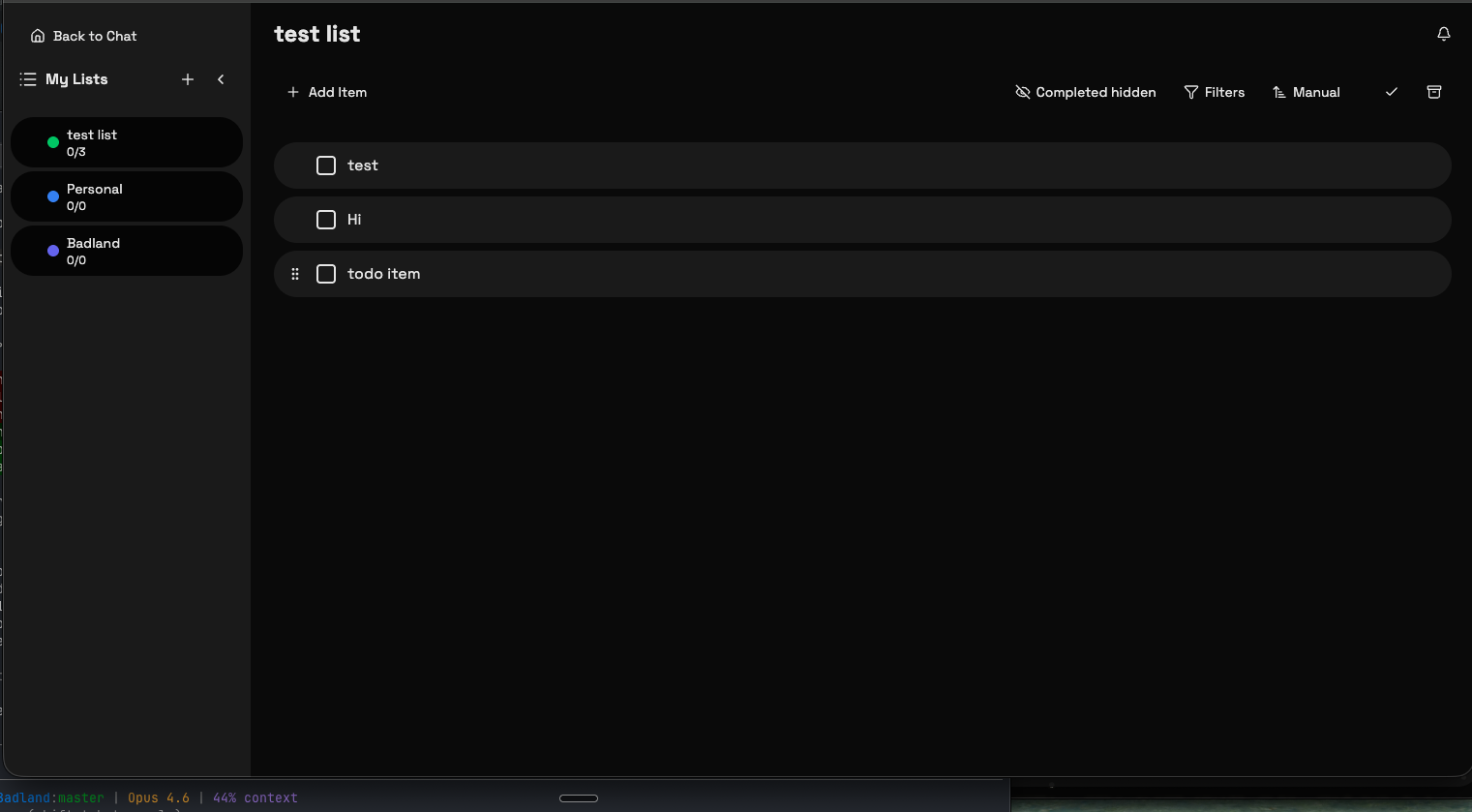
Task management with multiple lists, drag-to-reorder, filters, and completion tracking. Admin-only for now.
Admin Dashboard
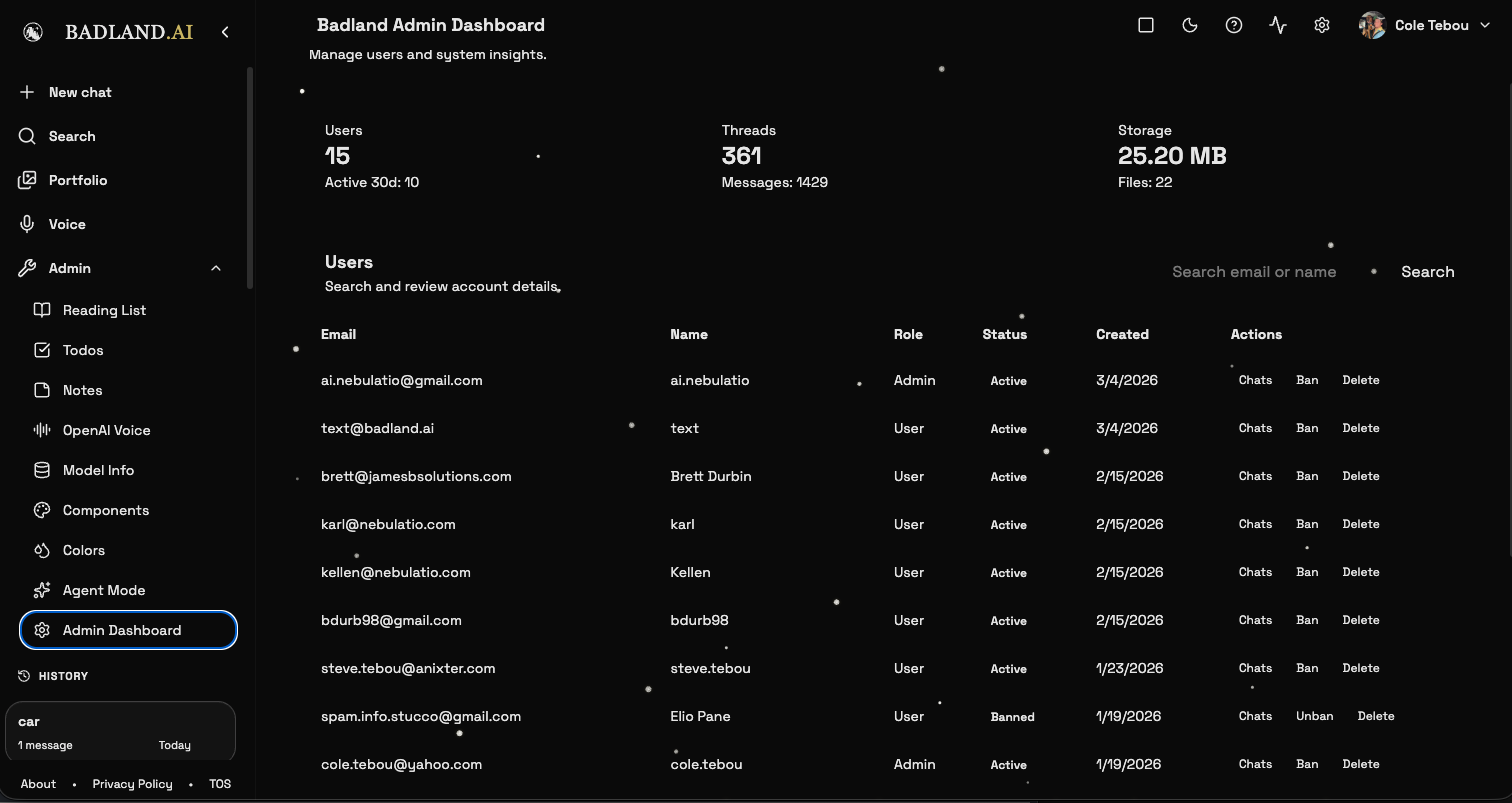
Platform management with user stats, thread counts, storage usage, and a user table with role management, ban/unban controls, and chat inspection. Admin-only.
Model Info
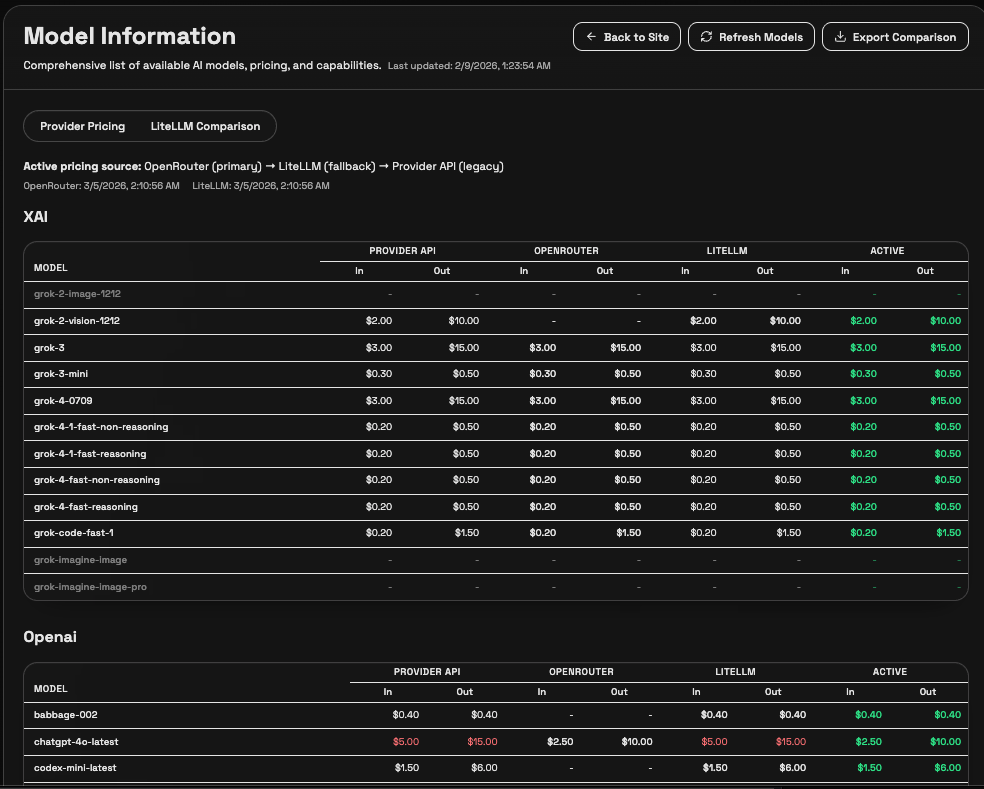
A pricing comparison dashboard that pulls live data from OpenRouter, LiteLLM, and provider APIs. Shows input/output costs per model across all sources with the active pricing highlighted. Exportable and refreshable. Admin-only.
Reading List
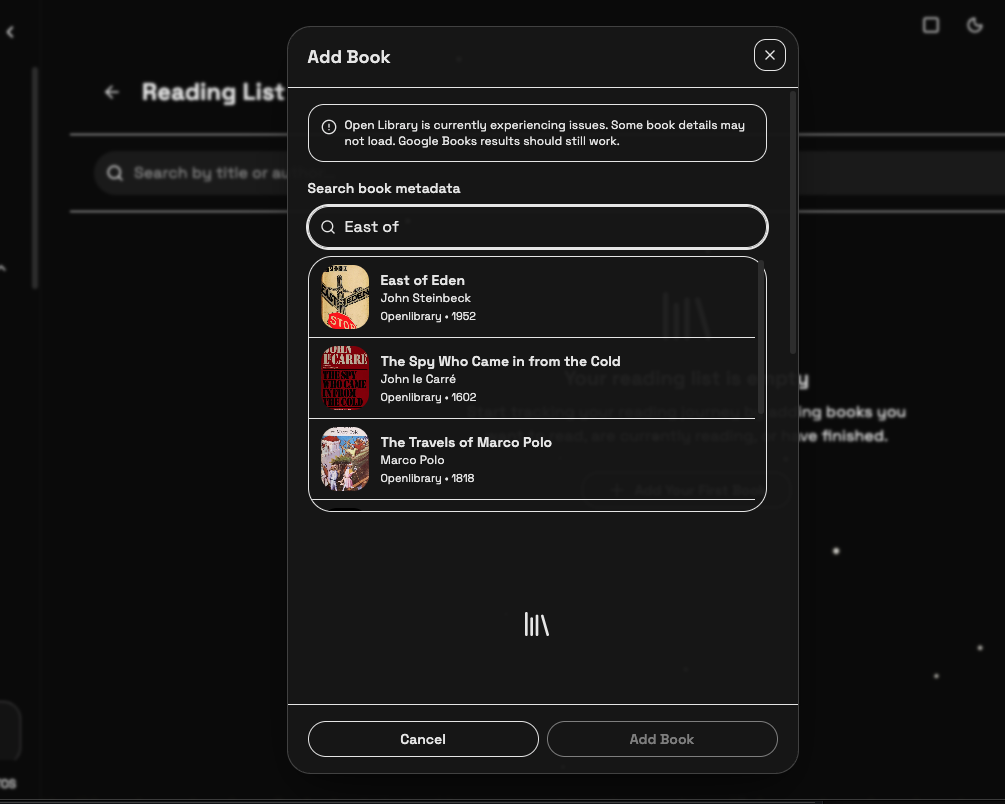
A personal reading list integrated with Open Library for auto-populating titles, authors, and cover art. Search by title, rate books, mark as read or want-to-read. Admin-only.
Help Guide
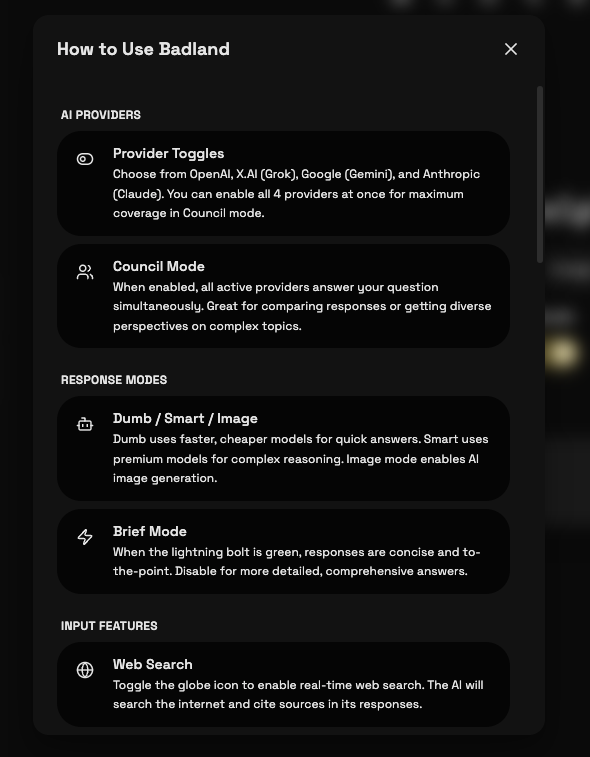
An in-app guide covering provider toggles, council mode, response modes (dumb/smart/image), brief mode, web search, and other input features.
Additional Features
- File uploads and document analysis
- PWA with offline support and share target
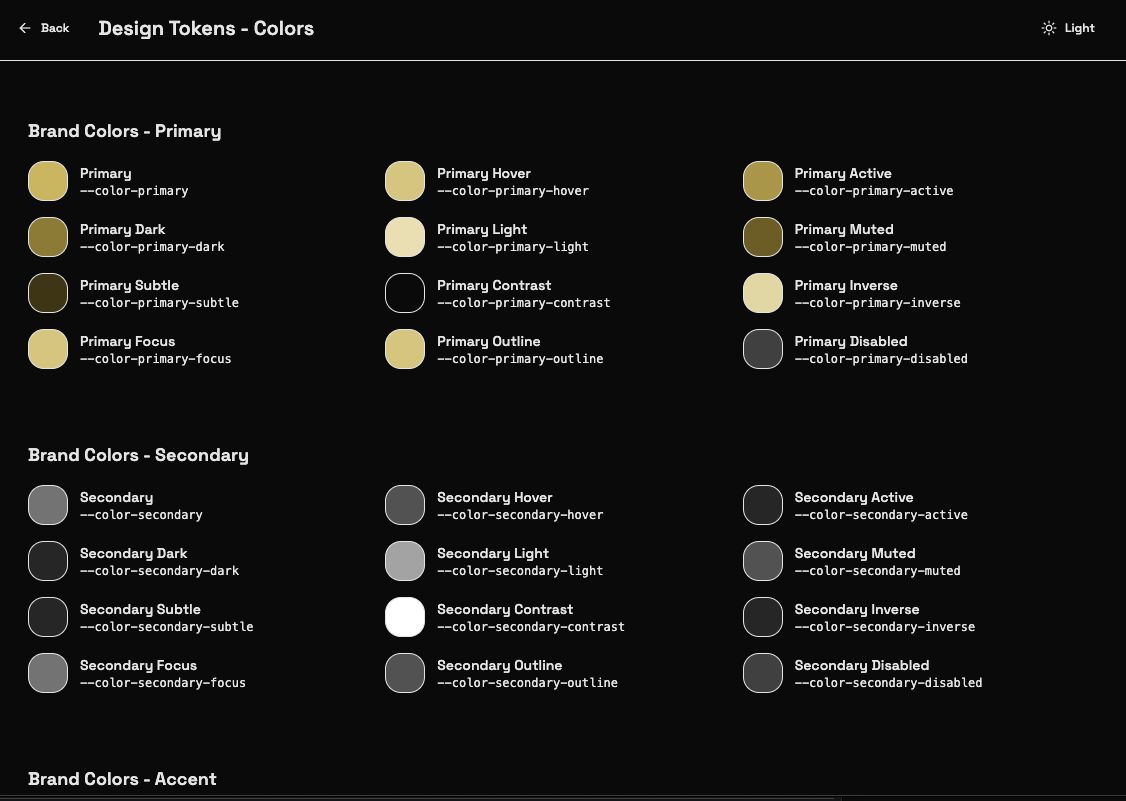
- Full design system with semantic tokens
- Markdown rendering with syntax highlighting
- Mobile-responsive with native app feel