AI CLI
Terminal-based AI interaction tool for quick LLM access from the command line.
Overview
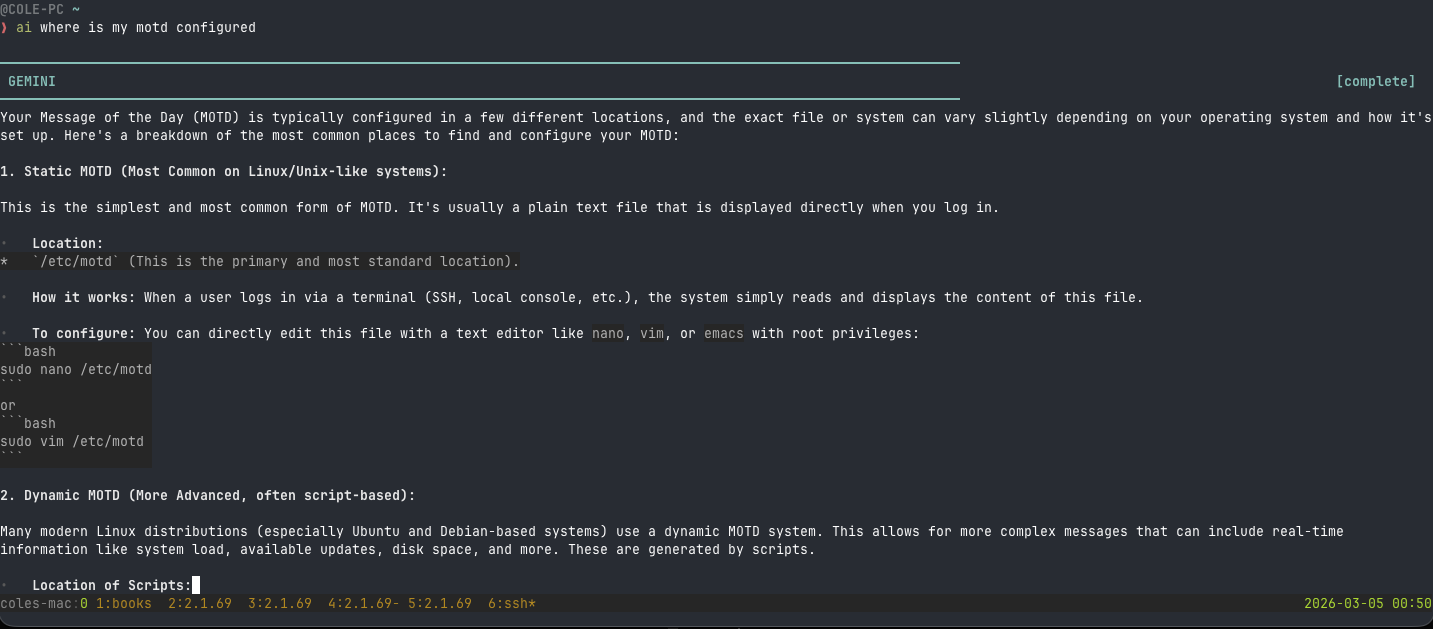
AI CLI is a command-line tool for interacting with AI models directly from the terminal. It is designed for developers who live in the terminal and want quick access to LLM capabilities without switching to a browser. The tool supports multiple model providers, streaming output, and is fully pipe-friendly for integration into shell workflows.
Built with Node.js and TypeScript, the CLI connects to the Anthropic API (and other providers) to deliver fast, streaming responses. It supports conversation history, system prompts, and model selection from the command line.
Features
- Streaming output: Responses stream token-by-token in the terminal for real-time feedback
- Pipe-friendly: Works with Unix pipes — pipe in file contents, pipe out AI responses
to other tools. Example:
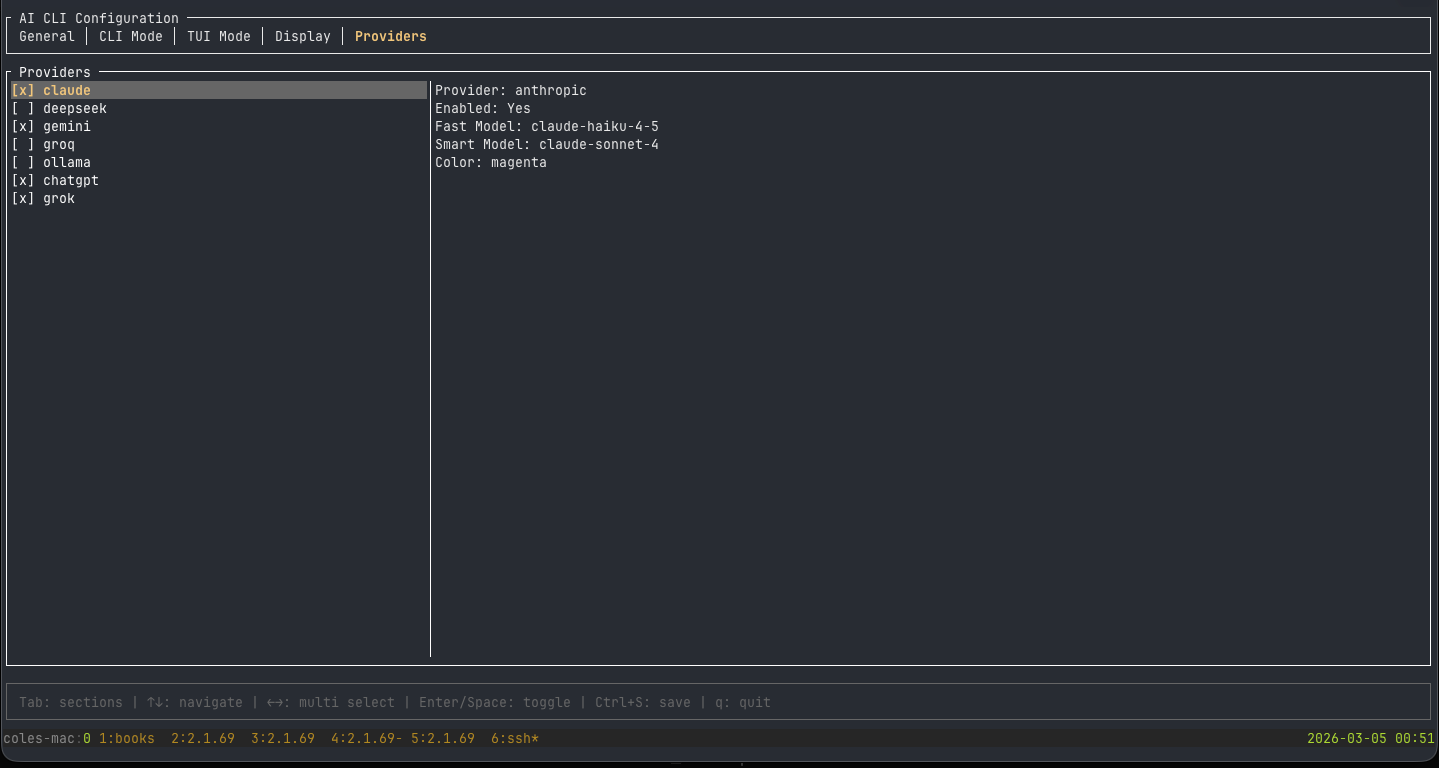
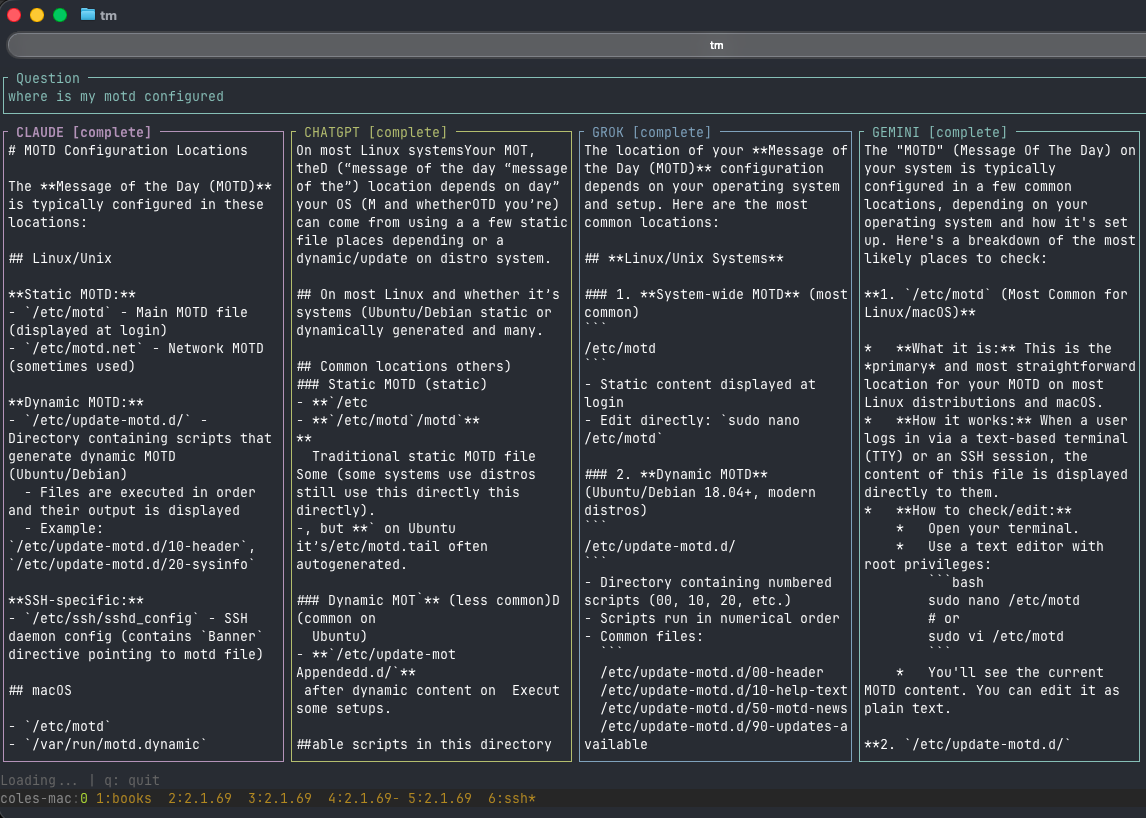
cat error.log | ai "explain this error" - Multiple models: Switch between Claude, GPT, Gemini, and other providers via CLI flags
- System prompts: Set custom system prompts for specialized interactions
- Conversation history: Maintain context across multiple turns in a session
- Fast startup: Minimal dependencies for instant invocation
Usage
The CLI is invoked directly from the terminal with natural language prompts. It integrates seamlessly with existing shell workflows — pipe in context, pipe out results, chain with other Unix tools. Configuration is stored in environment variables for easy setup across machines.